Two Factor Authentication
Get your collection secured with 2FA
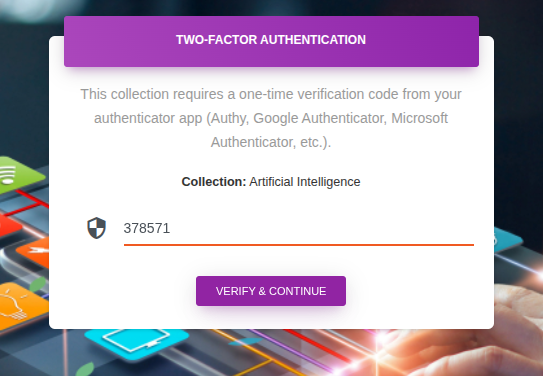
How it works
- When enabled users must verify their 2FA code once per sessionfor this collection.
- User must install Authenticator or Auty on their mobile to get the code..
- Enter the received code on the website’s 2FA page opened when user clicks to access the collection.
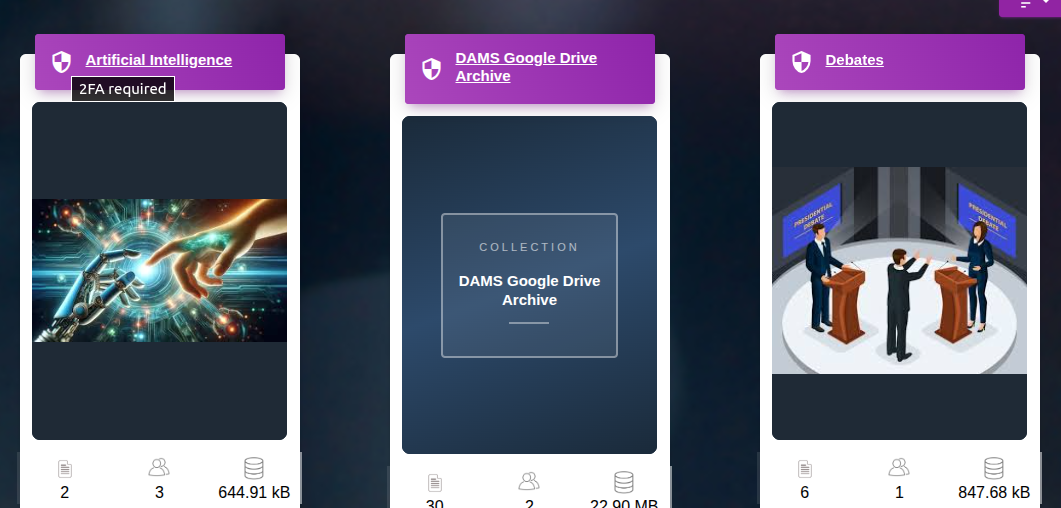
How to enable two factor authentication
- Go to the collection’s Settings section.
- Click Security.
- Check/tickmark the checkbox for ‘Require TOTP (Authy/Authenticator app) verification before accessing this collection.
- When enabled, users must verify with their 2FA code once per session for this collection.